Best Developer Analytics Tools for Engineering Managers in 2026
An honest comparison of LinearB, Jellyfish, Swarmia, MergeScout, and Apache DevLake — what each does well, where they fall short, and which one fits your team.
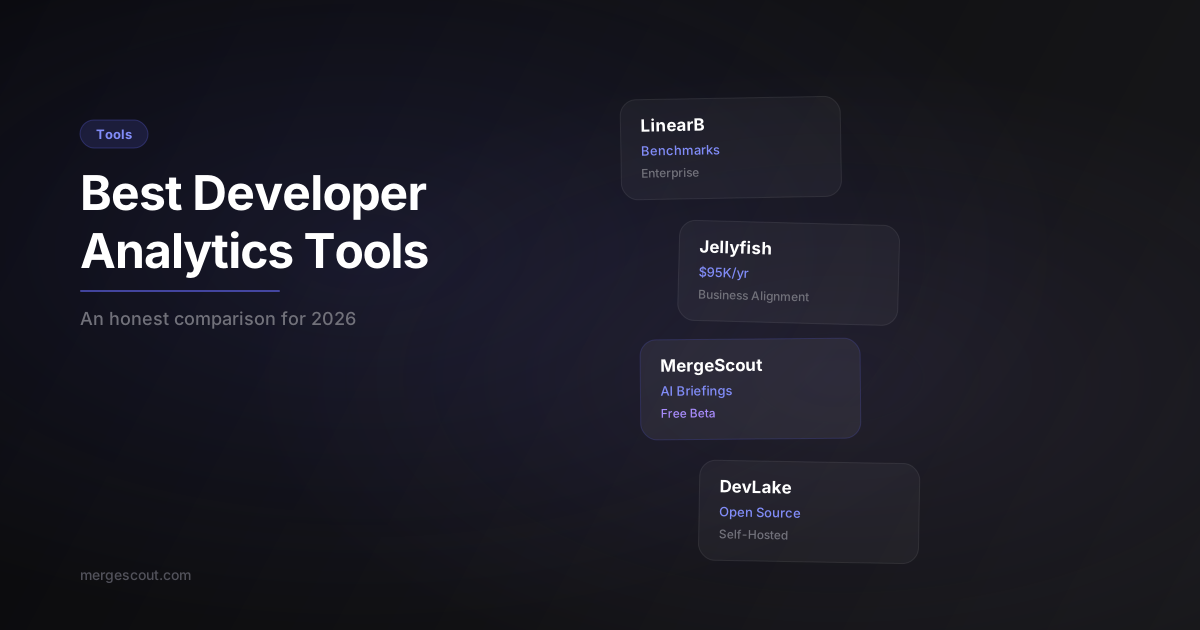
TL;DR: The developer analytics market has exploded, but most tools are either too expensive, too complex, or too shallow. LinearB and Jellyfish own the enterprise space. Swarmia is the developer-friendly mid-market pick. MergeScout is the fastest path from zero to useful metrics for small-to-mid teams. DevLake is free and infinitely customizable if you have the bandwidth.
What should you look for in a developer analytics tool?
Four things matter more than everything else combined.
Simplicity of setup. If it takes a week of configuration before you see your first insight, most teams give up. The best tool is the one your team actually uses. This disqualifies a lot of options right out of the gate.
GitHub-native data. Your source of truth is your git history and your pull requests. Any tool that requires you to manually tag tickets, maintain integrations with three different project management tools, or configure custom webhooks is adding friction that erodes adoption.
Actionable AI insights. Raw metrics are table stakes in 2026. Every tool can show you a DORA chart. The question is: does the tool tell you what to do about it? Can it generate an executive briefing that you can walk into a 1:1 or leadership meeting with?
Pricing that makes sense for your team size. Enterprise contracts with $95K minimums are great if you’re a 500-person engineering org. If you’re a 15-person team, you need something that doesn’t require a procurement process.
Let’s look at each tool honestly.
How does LinearB compare?
Best for: Large engineering orgs that want benchmarking and workflow automation.
LinearB has raised $71M in funding and serves over 500,000 developers. That scale matters — their benchmarking data is the most comprehensive in the industry. If you want to know how your team’s cycle time compares to similar-sized teams in your industry, LinearB has the data.
Their WorkerB automation is genuinely useful. It can auto-assign reviewers, detect stale PRs, and enforce PR size limits. The gitStream feature lets you build custom automation rules for your workflow.
Where LinearB falls short: complexity and cost. Setup takes time. The dashboard has a learning curve. And pricing starts in the enterprise tier — you’re looking at per-seat costs that add up fast for larger teams, with annual contracts. For a 10-person team, it’s hard to justify.
Strengths: Best-in-class benchmarking, workflow automation, massive dataset. Weaknesses: Enterprise pricing, complex setup, can feel overwhelming for small teams.
How does Jellyfish compare?
Best for: VP/CTO-level leaders who need to align engineering work with business outcomes.
Jellyfish plays a different game than most developer analytics tools. It’s less about “how fast are PRs merging” and more about “are we spending engineering time on the right things.” Their core pitch is R&D investment allocation — mapping engineering effort to business initiatives.
This is genuinely valuable at scale. If you’re a CTO trying to explain to the board why 40% of engineering capacity went to infrastructure instead of product features, Jellyfish gives you that visibility. Their financial capitalization features are also a real differentiator for public companies.
The downsides: Jellyfish contracts reportedly start around $95K/year. Implementation takes weeks. And the tool is optimized for org-level reporting, not team-level operational metrics. If you’re an engineering manager trying to improve your team’s review process, Jellyfish is the wrong tool.
Strengths: Business alignment, R&D capitalization, board-level reporting. Weaknesses: Very expensive, long implementation, not built for team-level insights.
How does Swarmia compare?
Best for: Mid-market teams (50-200 engineers) that value developer experience.
Swarmia is the most developer-friendly option in this list. Their philosophy is that metrics should empower developers, not surveil them. They’ve been vocal about avoiding individual performance rankings, and their tool reflects that — it surfaces team-level insights and working agreements rather than leaderboards.
Their client list backs this up: Docker, Webflow, Miro, and Vercel all use Swarmia. These are engineering-culture-first companies that would never adopt a tool their developers hate.
Swarmia’s investment signals feature is smart — it helps you understand where engineering time goes without requiring manual ticket tagging. Their Slack integration is also well-designed for keeping metrics visible without forcing people into a dashboard.
Where Swarmia falls short: it’s a mid-market tool at a mid-market price. Smaller teams may find it’s more than they need. And while Swarmia respects developer autonomy, it also means the tool is less opinionated about what “good” looks like — you have to bring your own benchmarks.
Strengths: Developer-friendly philosophy, good Slack integration, investment signals. Weaknesses: Mid-market pricing, less opinionated, limited AI-generated insights.
How does MergeScout compare?
Best for: Small-to-mid teams (5-50 engineers) that want useful metrics in under 60 seconds.
Full transparency — I built MergeScout, so take this section with that context. I’ll be as honest here as I was above.
MergeScout is an AI-powered engineering metrics dashboard that watches your GitHub repos and delivers executive briefings in seconds. The core idea: connect your GitHub, and within a minute you have review round tracking, comment quality scores, AI adoption rates, and a generated executive briefing you can paste into Slack or bring to your next leadership meeting.
What MergeScout does differently:
- Comment quality scoring. Most tools measure review speed. MergeScout uses AI to score review quality on a 1-100 scale based on comment depth and substance. You can finally see which reviews are rubber stamps and which are genuine code review.
- AI adoption tracking. MergeScout detects AI-assisted PRs (Copilot, Claude, etc.) and shows adoption rates per developer and per repo. This is a metric most managers want but have no way to get.
- Review round tracking. First-class metric, not buried in a sub-dashboard. You see average rounds per developer, per repo, and per PR.
- 60-second setup. Connect GitHub. Pick your repos. Done. No configuration wizard, no Jira integration required, no week-long onboarding.
Where MergeScout falls short: it’s younger than the other tools on this list. It doesn’t have LinearB’s benchmarking dataset, Jellyfish’s financial reporting, or Swarmia’s Slack working agreements. It’s focused on the metrics that matter for day-to-day engineering management, not org-level strategy.
MergeScout is free during beta. No credit card, no time limit on the trial.
Strengths: Fastest setup, AI briefings, comment quality scoring, review rounds, free in beta. Weaknesses: Newer product, focused on GitHub (no GitLab/Bitbucket yet), less org-level reporting.
How does Apache DevLake compare?
Best for: DIY-minded teams with engineering bandwidth to self-host and customize.
DevLake is the open-source option, and it’s genuinely good. It supports GitHub, GitLab, Jira, Jenkins, and a dozen other data sources. The data model is flexible — you can build custom dashboards in Grafana that show exactly what you want.
The DORA metrics implementation is solid. The plugin architecture means you can extend it for your specific needs. And the price is unbeatable: free.
The tradeoff is real, though. DevLake requires self-hosting. Setup involves Docker, database configuration, and plugin setup — budget a day minimum for initial setup and ongoing maintenance time for updates. The dashboard UX is functional, not polished. And there are no AI-generated insights — you’re looking at charts and drawing your own conclusions.
If you have a platform team that can own the infrastructure and a data-savvy engineering manager who wants full control, DevLake is a fantastic choice. If you want answers in 60 seconds with zero setup, it’s not.
Strengths: Free, open source, infinitely customizable, supports many data sources. Weaknesses: Requires self-hosting, day+ setup time, no AI insights, maintenance overhead.
Feature comparison: how do they stack up?
| Feature | LinearB | Jellyfish | Swarmia | MergeScout | DevLake |
|---|---|---|---|---|---|
| AI Briefings | Limited | No | No | Yes | No |
| Comment Quality Scoring | No | No | No | Yes (AI, 1-100) | No |
| Review Rounds Tracking | Yes | No | Yes | Yes | Partial |
| AI Adoption Rate | No | No | No | Yes | No |
| DORA Metrics | Yes | Yes | Yes | Partial | Yes |
| Pricing | Enterprise | ~$95K+/yr | Mid-market | Free (beta) | Free |
| Setup Time | Days | Weeks | Hours | 60 seconds | Day+ |
| Best For | Large orgs | VP/CTO reporting | Mid-market | Small-mid teams | DIY teams |
Which developer analytics tool is right for your team?
Here’s the decision framework I’d use:
Choose LinearB if you’re a 200+ person engineering org that wants comprehensive benchmarking, workflow automation, and has the budget for enterprise tooling. The data they’ve accumulated is a genuine moat.
Choose Jellyfish if you’re a CTO or VP reporting to a board and need to connect engineering effort to business outcomes. Nothing else does R&D capitalization as well.
Choose Swarmia if you’re a 50-200 person org that values developer experience and wants team-level metrics without individual surveillance. Their philosophy is right, and their client list proves it works.
Choose MergeScout if you’re a small-to-mid team (5-50 engineers) that wants useful metrics immediately. You care about review quality, not just speed. You want AI-generated briefings, not raw dashboards. And you don’t want to spend $50K+ to find out if engineering analytics is even useful for your team. Start free.
Choose DevLake if you have a platform team, you want full control over your data, and you’re comfortable with self-hosting. It’s the best free option by far — just know that “free” means engineering time, not zero cost.
The honest truth: any of these tools is better than no visibility at all. The worst developer analytics tool is the spreadsheet your engineering manager updates manually once a month. Pick something, start measuring, and iterate from there.
FAQ
Do developer analytics tools hurt developer trust?
They can, if used badly. Any tool that surfaces individual developer metrics to leadership without context creates a surveillance dynamic. The best tools (Swarmia and MergeScout both take this approach) focus on team-level insights and use individual data to help developers improve, not to rank them.
Can I use multiple developer analytics tools together?
Yes, and some teams do. A common combo is Jellyfish for org-level reporting plus MergeScout or Swarmia for team-level operational metrics. Just be careful about tool fatigue — if nobody checks the dashboards, the data doesn’t matter.
What’s the minimum team size where developer analytics makes sense?
Five engineers. Below that, you can track everything informally. Above that, you start losing visibility into what’s actually happening in your PRs and reviews. By the time you hit 15+ engineers, flying blind is actively hurting you.
Are DORA metrics still relevant in 2026?
Yes, but they’re necessary, not sufficient. DORA tells you how fast you’re shipping and how often things break. It doesn’t tell you why your cycle time is high or whether your code reviews are actually catching bugs. You need DORA plus deeper metrics like review rounds and comment quality.
How long does it take to see ROI from a developer analytics tool?
For lightweight tools like MergeScout, you can get actionable insights on day one — literally within minutes of connecting your GitHub. For enterprise tools like Jellyfish, expect 4-8 weeks of implementation before you see meaningful value. The faster the setup, the faster you learn whether the tool is actually useful for your team.